Multi-Technology Campus Cards: Running Legacy and Modern Systems Together
Most universities don't have the luxury of replacing every reader overnight. Multi-technology cards that combine 125 kHz proximity, legacy sector-memory 13.56 MHz credential, AES-authenticated 13.56 MHz credential, and mobile-ready enterprise credentials on a single credential enable phased migrations without disrupting daily campus operations.
How this guide is reviewed
CampusRFID reviews technical guides against standards and official documentation. Where a source list appears, it identifies the primary references used. Card and reader compatibility should still be verified with a sample on the institution's installed system.
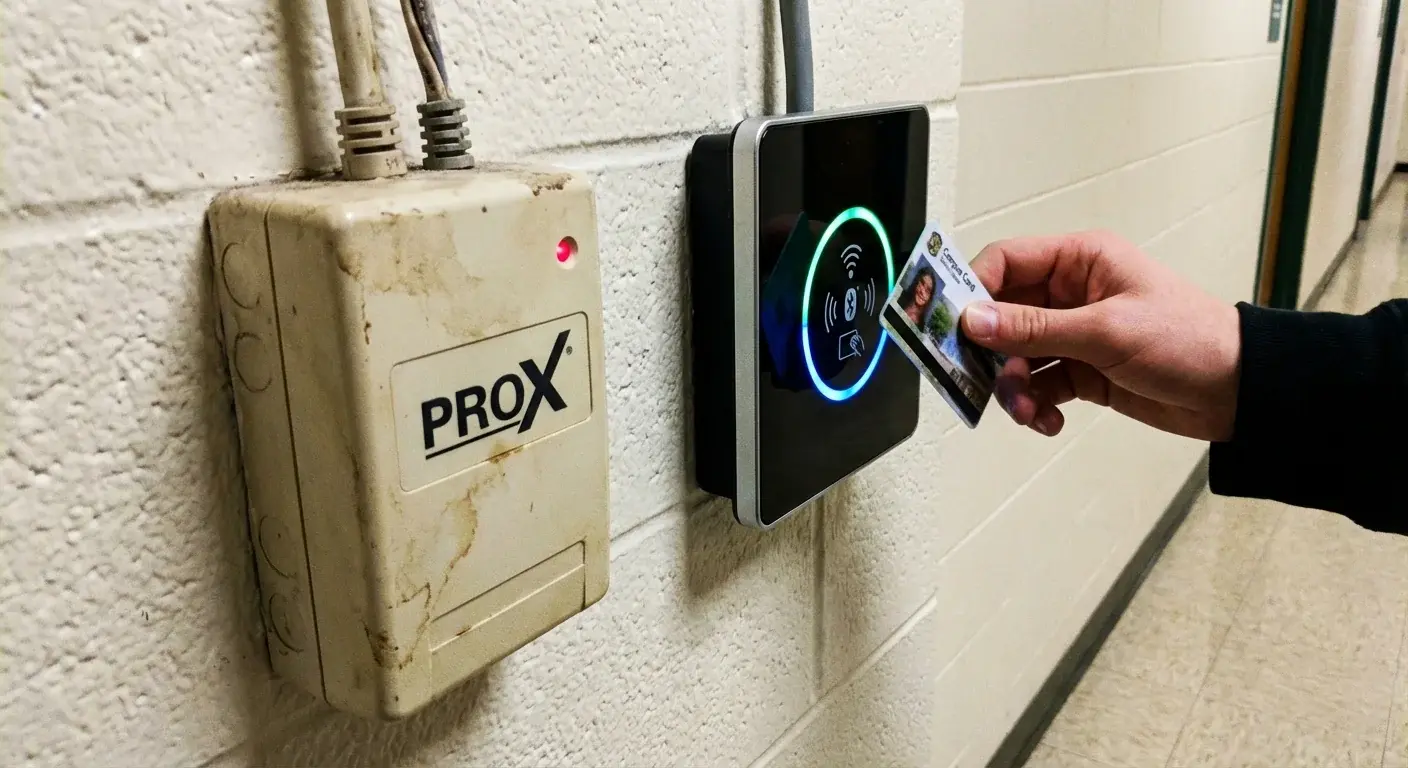
Walk around any university campus that's been operating for more than a decade and you'll find a patchwork of access control technology. The newer science building has readers configured for AES-authenticated 13.56 MHz credentials. The library, renovated five years ago, runs legacy sector-memory 13.56 MHz credential. The older dormitories still use 125 kHz proximity readers installed in the early 2000s. The administration building was upgraded to managed enterprise contactless credentials after a security audit, and the recreation center just installed mobile-ready enterprise credentials readers as part of a renovation.
This isn't poor planning — it's the reality of managing a campus where buildings are renovated on different timelines, security budgets are allocated incrementally, and ripping out every reader simultaneously is neither practical nor affordable. The solution that allows universities to navigate this mixed environment is the multi-technology campus card.
What Is a Multi-Technology Card?
A multi-technology card (also called a dual-tech or multi-frequency card) contains two or more chip technologies embedded in a single plastic card. The most common combinations include:
Each chip operates independently at its own frequency with its own protocol. The 125 kHz component communicates with legacy readers, while the 13.56 MHz component communicates with modern contactless readers. A single card, one tap — the reader in front of the student determines which chip responds.
Why Universities Need Multi-Tech Cards
Budget Reality
A university with 500 doors equipped with 125 kHz proximity readers faces a significant capital expense to replace them all with modern readers. At $500-1,500 per reader (including installation and commissioning), a full replacement costs $250,000-750,000 — plus the disruption of taking doors offline during installation. Multi-technology cards allow the university to replace readers building by building over multiple budget cycles while maintaining a single card for every student and staff member.
Construction Timelines
University construction and renovation projects operate on timelines measured in years. A new engineering building opening next fall will have state-of-the-art readers configured for AES-authenticated 13.56 MHz credentials. The humanities building across the quad, scheduled for renovation in three years, still has 125 kHz readers. Students and faculty move between both buildings daily. Multi-tech cards ensure they carry one card that works everywhere.
Departmental Autonomy
In many universities, individual colleges or departments control their own building security budgets. The medical school may have invested in mobile-ready enterprise credentials five years ago, while the business school still runs managed enterprise contactless credentials, and the central campus uses AES-authenticated 13.56 MHz credential. A multi-technology card issued by the central card office works in all three environments.
Migration Strategies
Full Replacement
The most straightforward approach: replace all readers and re-card the entire population at once. This is the fastest path to a modern, uniform system but requires the largest upfront investment and creates the most disruption. Best suited for small campuses (under 100 doors) or institutions with dedicated funding from a capital campaign or bond issue.
Building-by-Building Migration
The most common approach for mid-to-large universities. Modern readers are installed during scheduled building renovations or as part of a phased replacement program. Multi-technology cards are issued immediately — every student gets a card that works with both old and new readers from day one. As each building is upgraded, the legacy chip on the card simply stops being needed for that building. When all legacy readers are eventually replaced, new cards can be issued with only the modern chip.
Timeline example:
Parallel System Operation
Some universities maintain two parallel systems indefinitely — a legacy system for buildings that don't justify the upgrade investment and a modern system for high-security or recently renovated facilities. Multi-tech cards make this operationally transparent to cardholders. This is common for campuses with heritage buildings where installing modern readers is architecturally restricted.
Cost Comparison
| Approach | Card Cost | Reader Cost | Total 5-Year Cost (200 doors, 15,000 cardholders) |
|---|---|---|---|
| Full replacement to AES-authenticated 13.56 MHz credential-only | $2-3/card | $800-1,200/reader | $190,000-280,000 |
| Multi-tech cards + phased reader replacement | $4-7/card | $800-1,200/reader (spread over 5 years) | $220,000-340,000 |
| Multi-tech cards + permanent dual system | $4-7/card | $0 (keep legacy) | $60,000-105,000 (cards only) |
The multi-tech card approach typically costs $2-4 more per card than a single-technology card, but this premium is trivial compared to the reader replacement savings it enables. For 15,000 cardholders, the extra card cost of $30,000-60,000 buys the university years of flexibility to spread reader replacement across multiple budget cycles.
Technical Considerations
Card Thickness and Durability
Multi-technology cards are slightly more complex to manufacture because they contain multiple antennas and chips within the standard ISO 7810 card thickness (0.76mm). Quality manufacturing is essential — poor lamination or antenna placement can cause one technology to interfere with the other, resulting in intermittent read failures.
At CampusRFID, we use precision lamination processes that ensure each chip and antenna operates independently without interference. Our multi-tech cards undergo testing at each frequency before shipment to verify reliable operation with both legacy and modern readers.
Reader Configuration
When a multi-tech card is presented to a multi-technology reader (a reader that supports both 125 kHz and 13.56 MHz), the reader must be configured to prioritize the correct technology. Typically, the reader should be set to prefer the modern (13.56 MHz) chip and only fall back to the legacy (125 kHz) chip if the modern authentication fails. This ensures that the strongest available security is always used.
Card Numbering Strategy
A critical decision in multi-tech deployments is the card numbering strategy. The legacy chip and the modern chip each carry their own identifier. These must be linked in the campus card management system so that both chips resolve to the same cardholder. Common approaches include:
When to Start
If your campus has any 125 kHz proximity cards or legacy sector-memory 13.56 MHz credentials in circulation, the migration conversation should start now. These technologies have known security vulnerabilities, and the longer they remain in use, the greater the exposure. Multi-technology cards provide an immediate security improvement by adding modern encryption capabilities while maintaining compatibility with existing infrastructure.
For a mixed-fleet migration where some readers are legacy and others modern, our dual credential cards carry a contact chip and a 13.56 MHz contactless interface in one body. For new high-security zones (research labs, data centres, restricted dorms), see our high-security access cards with AES-128 and diversified keys. The RFID glossary covers the underlying standards (ISO 14443A, AES-authenticated 13.56 MHz credential, managed enterprise contactless credentials mobile-ready enterprise credentials) in plain English.
*Need multi-technology campus cards for your migration project? Contact CampusRFID to discuss your specific technology combination and volume requirements.*
Primary sources
Standards, regulations, and first-party technical documentation consulted for this review.
- FIPS 197 — Advanced Encryption Standard (AES) — National Institute of Standards and Technology
Explore this topic
Product pages selected for the subject covered in this guide.
Ready to Implement RFID on Your Campus?
Contact us to learn how our RFID solutions can improve campus security and student experience.
Related Articles
Campus Card Security: Encryption, Authentication, and Cloning Prevention
From the broken Crypto-1 cipher on legacy sector-memory 13.56 MHz credential to AES-128 encryption on modern AES-authenticated 13.56 MHz credentials, campus card security has evolved dramatically. This deep dive covers how encryption, mutual authentication, and diversified keys protect your campus — and why legacy systems must be replaced.
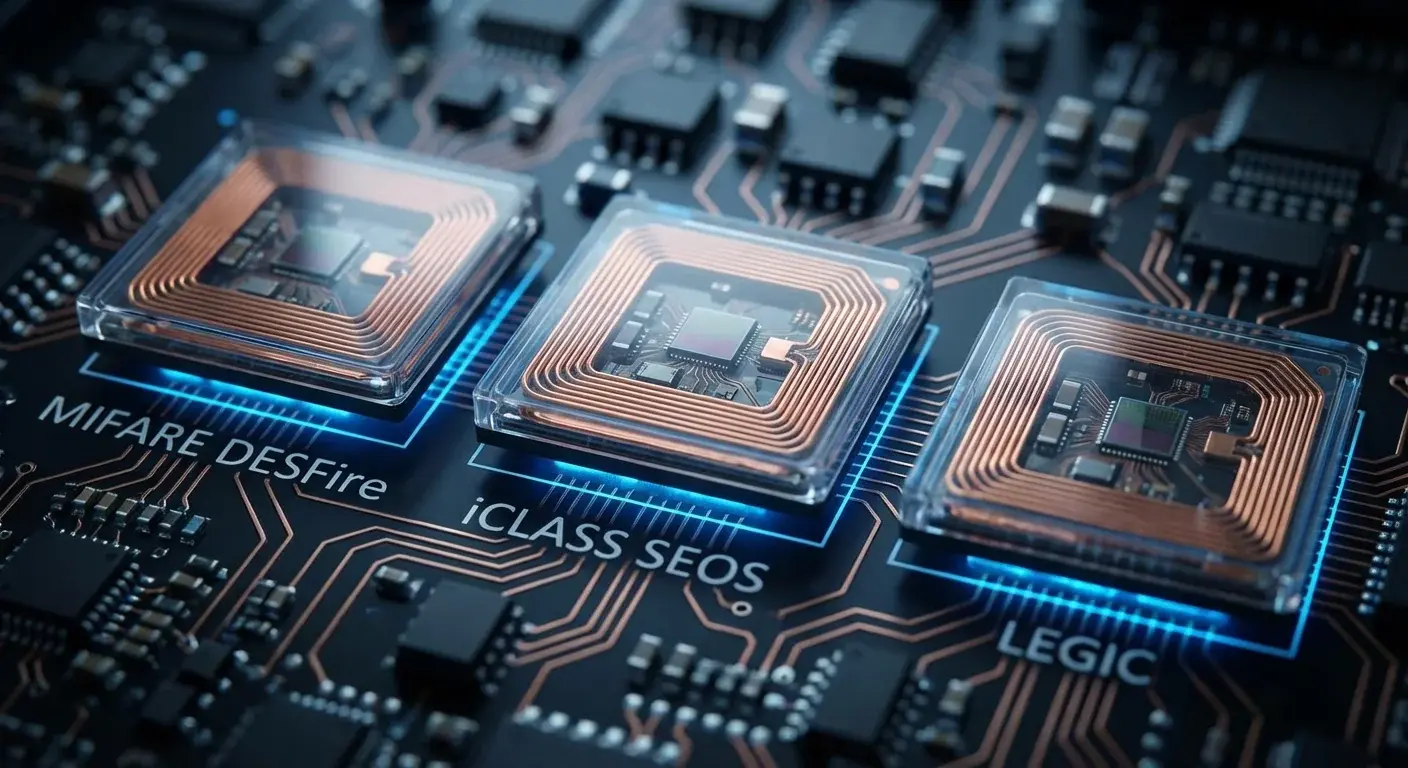
Campus Card Credential Technologies: A Capability-Based Comparison
A vendor-neutral comparison of 13.56 MHz campus credentials by reader support, authentication, key management, mobile readiness and migration risk