Mobile Credentials vs Physical Campus Cards: Complete Comparison for Universities
Apple Wallet and Google Wallet student IDs are reshaping campus life, but physical RFID cards remain essential. This guide examines why the winning strategy is hybrid — combining mobile convenience with the reliability of a physical card — and what universities need to know before choosing.
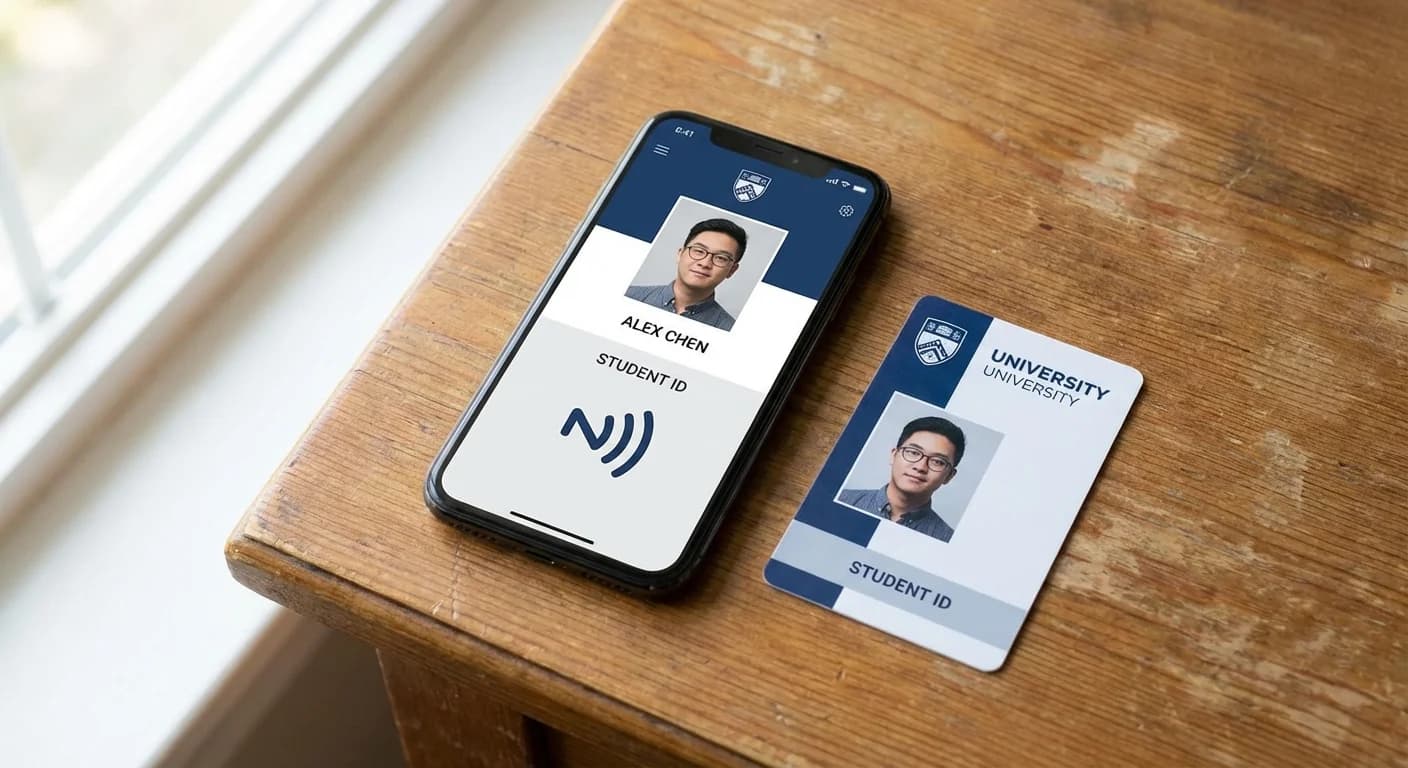
The debate between mobile credentials and physical campus cards generates strong opinions on both sides. Proponents of mobile-only systems point to Gen Z's digital-native habits — 79% of Gen Z consumers use digital wallets regularly, and a Transact survey found that 55% of students think colleges without digital ID options are "stuck in the past." Meanwhile, facilities managers and security directors note that phones die, break, get lost, and aren't allowed in exam halls. The evidence points clearly to a hybrid approach as the winning strategy.
The Rise of Mobile Student IDs
Mobile student IDs stored in Apple Wallet, Google Wallet, and Samsung Wallet have moved from novelty to mainstream in under five years. Major platforms like Transact IDX and Atrium Health Sciences power mobile credential deployments at hundreds of institutions. The student experience is compelling: add your student ID to your phone's wallet app, and you can tap to enter buildings, pay for meals, access the library, and ride campus transit — all without carrying a separate card.
How Mobile Credentials Work Technically
When a student adds their campus ID to Apple Wallet or Google Wallet, the process involves several layers of security:
Adoption Numbers
The growth trajectory is undeniable. Over 900 campuses in North America now support some form of mobile student ID. Duke University, University of Alabama, University of Oklahoma, Johns Hopkins University, MIT, and Arizona State University are among the institutions that have deployed Apple Wallet student IDs. Google Wallet support is expanding rapidly, and Samsung Wallet integration (available on Galaxy devices with NFC) further broadens the addressable market.
Why Physical Cards Are Not Going Away
Despite the momentum behind mobile, physical campus cards serve critical functions that smartphones cannot fully replace.
Exam Environments
Most universities prohibit smartphones in examination rooms to prevent cheating. Students need a physical photo ID to verify their identity at the exam door. No mobile credential can substitute for this — examiners need to see a face on a card and match it to the person sitting down.
Backup and Reliability
Phones break, get stolen, run out of battery, and malfunction. A physical card is a zero-battery, zero-boot-time, always-available backup. When a student's phone is broken and they need to eat dinner, enter their dorm, and access the library, a physical card ensures they're not locked out of campus life. Universities that went mobile-only early have consistently found that issuing physical backup cards remains necessary.
Visitors and Temporary Users
Conference attendees, prospective students on campus tours, visiting researchers, summer camp participants, and temporary workers all need campus credentials. Provisioning mobile credentials for short-term visitors is impractical — it requires them to download an app, create an account, and have a compatible device. A pre-programmed physical card handed out at reception is the far more efficient solution.
Equity and Accessibility
Not every student has a recent smartphone with NFC capability. International students arriving from regions where older phone models are common, students from lower-income backgrounds, and those who prefer not to use their personal phone for institutional access all benefit from having a physical card option. Making mobile-only a requirement would create an equity gap.
Alumni and Extended Community
Alumni cards, affiliate researcher credentials, and community membership cards (for campus recreation facilities, for example) are commonly issued as physical cards. These populations may have graduated decades ago and interact with campus systems infrequently — maintaining a long-term mobile credential for them is neither practical nor cost-effective.
The Hybrid Model: Best of Both Worlds
The universities with the most successful campus card programs offer both mobile and physical credentials, managed through a unified platform. Here's what the hybrid model looks like in practice:
Unified Management
The critical requirement for a hybrid model is a unified back-end platform. Whether a student taps their phone or their card, the same access policy applies. Deactivating a lost phone credential doesn't affect the physical card, and vice versa. Meal plan balances, access permissions, and account status are synchronized across both credential types in real time.
Cost Comparison
| Factor | Physical Card Only | Mobile Only | Hybrid |
|---|---|---|---|
| Card production per student | $2-5 | $0 | $2-5 |
| Mobile platform licensing | $0 | $2-4/student/year | $2-4/student/year |
| Reader infrastructure | Standard NFC readers | NFC + BLE readers | NFC readers (most work with both) |
| Replacement cards | $10-25 per lost card | N/A (remote reprovision) | $10-25 per lost card |
| Help desk burden | Low | Medium (tech support for provisioning) | Medium |
| Student satisfaction | Adequate | High (for tech-savvy) | Highest (choice) |
What CampusRFID Recommends
We consistently advise universities to implement a hybrid program. Issue every student a high-quality physical campus card with modern chip technology (DESFire EV3 or SEOS), and simultaneously deploy mobile credentials through your campus card platform. The physical card provides universal coverage and reliability; the mobile credential provides convenience and a modern student experience.
The campus cards we manufacture are designed for this hybrid reality — built with chip technology that's compatible with the same reader infrastructure used for mobile credentials, ensuring that your physical and digital programs work seamlessly together.
*Ready to build a hybrid campus card program? Contact CampusRFID to discuss card specifications that align with your mobile credential platform.*
Ready to Implement RFID on Your Campus?
Contact us to learn how our RFID solutions can improve campus security and student experience.
Related Articles
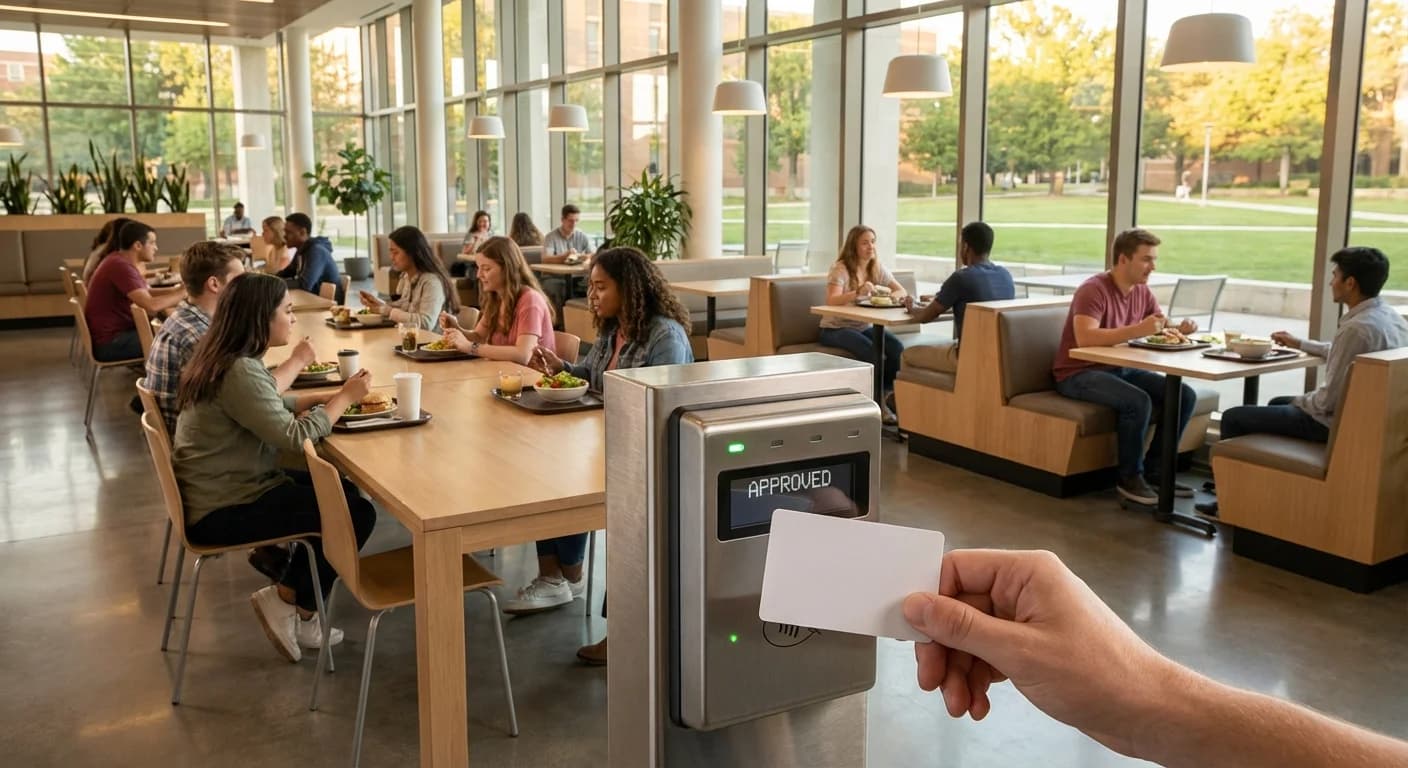
How RFID Campus Cards Are Transforming University Dining
Walk into any university dining hall during peak lunch hour and the scene is familiar: hundreds of students streaming through doors, tapping cards or phones at point-of-sale terminals, grabbing meals, and heading out — often in under 30 seconds. Behind that seamless experience is RFID technology,...
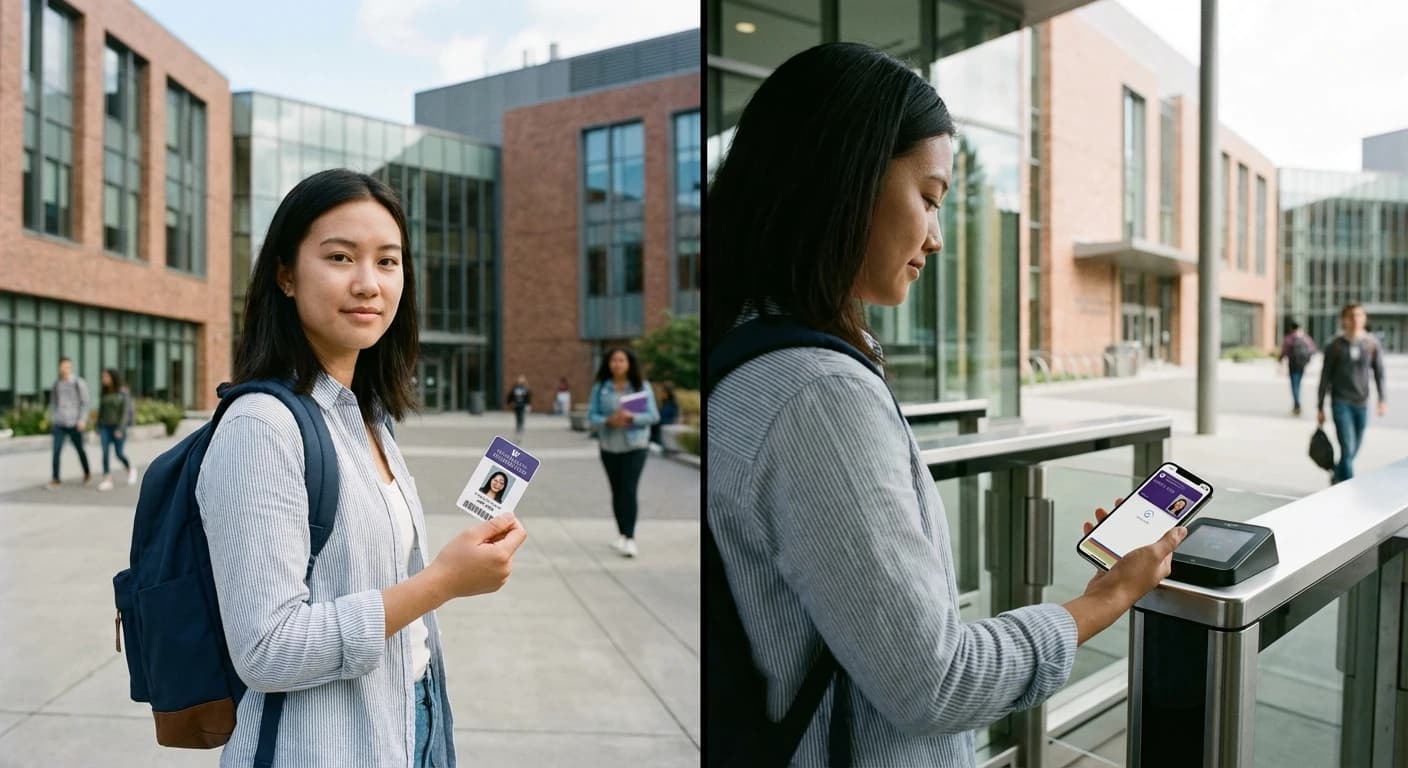
Mobile vs Physical RFID Cards: What 97% of Students Really Want from Campus Access
Campus access technology stands at a crossroads. With 97% of adults aged 18-29 now owning smartphones, the push toward mobile credentials feels inevitable. Yet the question facing university administrators isn't simply "mobile or physical" — it's understanding what actually works when 30,000...