Campus Payment Cards: A Complete Guide to Cashless Dining, Vending, Laundry & Card Integration
How campus payment cards work for cashless dining, vending, laundry, and printing — the major platforms, POS integration, declining-balance vs meal-plan accounting, and what to spec for a campus-wide payment program.
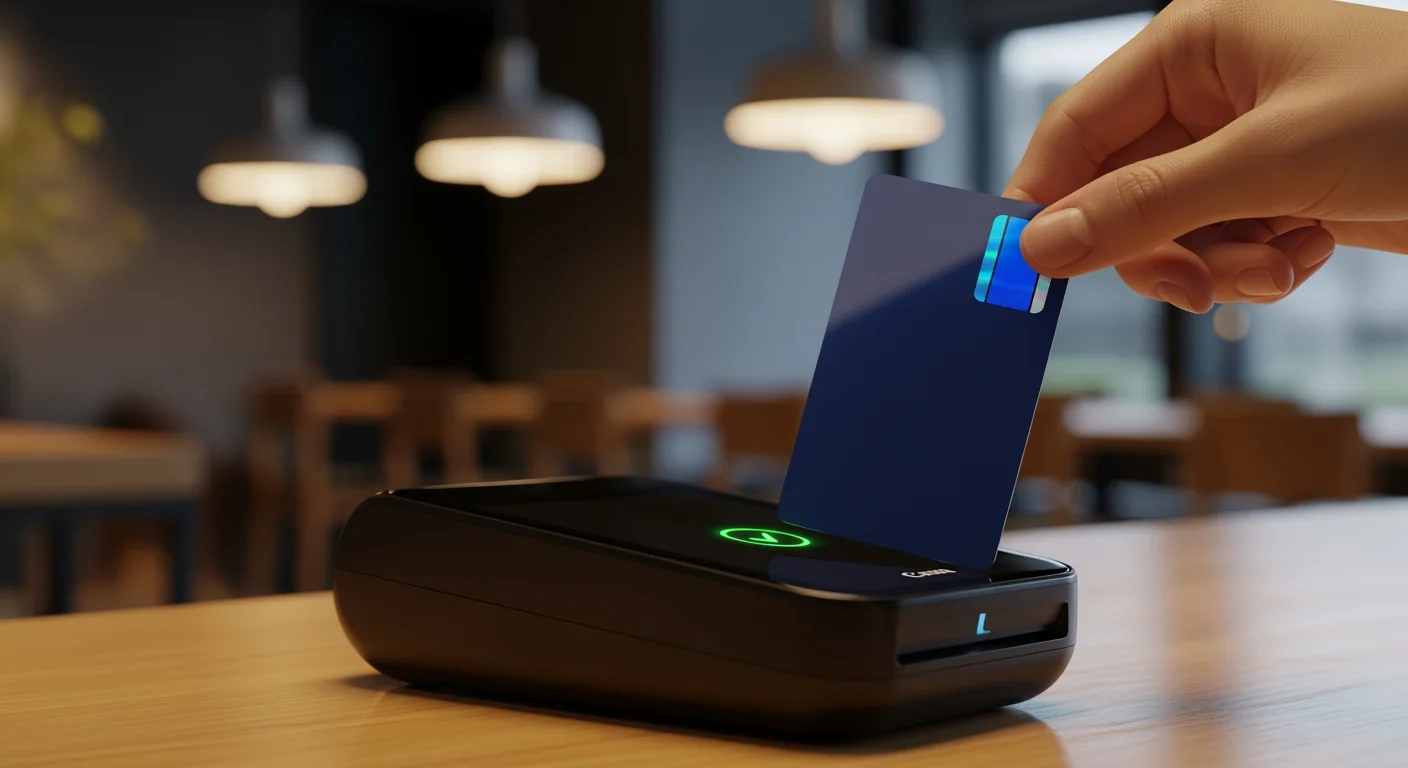
A campus payment card replaces a wallet. One contactless card — usually the same physical credential a student uses for building access, library, and ID — also works for dining halls, vending machines, laundry rooms, printers, parking meters, and on-campus retail. The technology is straightforward; the platform stack and integration choices are where universities make or break their programs.
This guide covers what campus payment cards actually do, how the major platforms handle dining and retail transactions, how cashless integration works at the point of sale, and what to specify when issuing payment-capable campus cards across a university or college.
What Is a Campus Payment Card?
A campus payment card is an RFID-encoded credential that stores or references a student's account balance. Two account models dominate:
Most universities run both account types on a single card. The card itself is usually AES-authenticated 13.56 MHz credential or enterprise credential platforms — the chip stores a unique identifier, and the campus card platform handles the actual account balance lookup at the moment of payment.
The Card-to-Payment Flow at a Dining Hall
When a student taps their card at a dining-hall reader, the sequence is:
Total round-trip time: typically under 500 ms. Students don't notice the network hops.
The Three Major Campus Payment Platforms
The enterprise commerce leader
The market-leading platform dominates US higher education payment programs. Its strengths are the breadth of its POS integrations, native Apple Wallet and Google Wallet provisioning, and its tight coupling with the leading student information systems.
It handles declining-balance accounts, meal plans, and unifies them into a single account view for students. POS-side integration uses its native interface or supported third-party POS systems.
The dining-led incumbent
The second major platform is the dining-led incumbent. If your campus is heavy on residential dining (large meal-plan populations, multiple dining halls, mobile ordering), it typically wins on the dining workflow specifically.
Its mobile app handles ordering, delivery, and meal-plan management; a companion account system handles the underlying accounts. Strong native POS integration with its own dining-hall hardware and supported third-party POS.
The mid-market cloud platform
The third platform serves the mid-market — private colleges, community colleges, smaller regional universities. Its differentiator is lower TCO and a cloud-native architecture with predictable subscription pricing.
It supports the same declining-balance + meal-plan model and integrates with most major POS systems through its open API. For campuses under ~10,000 enrollment, it often wins on price-to-feature ratio.
Cashless Integration Across Campus Functions
A modern campus payment card needs to work everywhere a student spends:
Dining
The flagship use case. Both meal-plan swipes (one tap = one meal) and declining-balance transactions (variable amount). The platforms' mobile ordering apps extend the same accounts to phone-based ordering with pickup at the dining hall.
Retail (campus stores)
Bookstores, c-stores, branded coffee shops on campus. Usually declining-balance only, often integrated with the campus POS. Retail terminals require a reader connected to the same network as the platform's transaction server.
Vending
Beverage and snack machines with NFC readers (Cantaloupe, USA Technologies). The card taps, the vending controller queries the platform, the dispenser releases. Often the lowest-margin integration but highest student-satisfaction touchpoint.
Laundry
Coin-op laundry replaced by card-tap laundry. Cards authorize the wash/dry cycle and deduct from a declining-balance laundry-specific account or shared campus cash.
Printing and copying
Library and computer-lab printers with embedded NFC readers (PaperCut, uniFLOW). Per-page or per-job billing tied to the declining balance.
Parking
Permit holders tap to enter lots; per-session parking is billed against the campus card. Less common than the above but growing in urban campuses.
Transit
Some universities (mainly large urban campuses) integrate the campus card with city transit. The card carries a transit application alongside the campus application, both on the same chips supporting AES-based authentication at 13.56 MHz.
Campus Card Payment Integration Architecture
The integration layer is what matters when scoping a payment program. Here's how the typical architecture stacks up:
Layer 1: The card — AES-authenticated 13.56 MHz credential with at least one campus application configured. The application stores the UID and (sometimes) cached account data. The card itself does not hold the live balance — that lives on the platform.
Layer 2: The reader — ISO 14443A reader at the POS, vending machine, laundry controller, or printer. Communicates with the local controller via OSDP, Wiegand (legacy), or USB/Ethernet.
Layer 3: The local controller — the POS terminal, vending controller, or laundry kiosk. Knows how to format the transaction request for the campus card platform.
Layer 4: The campus card platform — receives transaction requests, looks up the student account, applies meal-plan or balance logic, returns approve/decline.
Layer 5: The SIS — the student information system. Feeds enrollment, meal-plan, and student-status data into the campus card platform overnight or in real time.
A clean integration means a transaction at any of layers 1–3 reaches layer 4 in under 500 ms with full account context, and any change at layer 5 propagates to the platform within minutes.
What to Specify for a Campus Payment Card Program
For a 15,000-student university starting or refreshing a payment program in 2026:
Common Mistakes in Campus Payment Programs
Where to Go From Here
A campus payment card program is the convergence point of dining, retail, identity, and access control. Get the chip and the platform right, and the card becomes the everyday utility every student touches a dozen times a day.
Browse our campus payment cards and student ID cards, or read our campus card systems and services buyer's guide for a deeper comparison of the three major platforms. Contact us for a sample kit aligned with your platform.
Explore this topic
Product pages selected for the subject covered in this guide.
Ready to Implement RFID on Your Campus?
Contact us to learn how our RFID solutions can improve campus security and student experience.
Related Articles
Campus Card Payment Integration: Connecting the Card to POS, SIS, and Mobile Ordering
A tap at the register is the easy part. The hard part — and where most campus payment programs succeed or stall — is the integration behind it: point-of-sale, the student information system, declining-balance accounts, mobile ordering, and PCI-DSS. Here is how the pieces actually fit together.
How RFID Campus Cards Are Transforming University Dining
Walk into any university dining hall during peak lunch hour and the scene is familiar: hundreds of students streaming through doors, tapping cards or phones at point-of-sale terminals, grabbing meals, and heading out — often in under 30 seconds. Behind that seamless experience is RFID technology,...