The Complete Guide to Campus Card Use Cases: From Access Control to Cashless Payments
A single campus card can replace a dozen separate credentials. This comprehensive guide covers every major use case for RFID campus cards — from door access and meal plans to laundry, printing, parking, transit, events, and off-campus discounts — and explains how a unified card program works in practice.
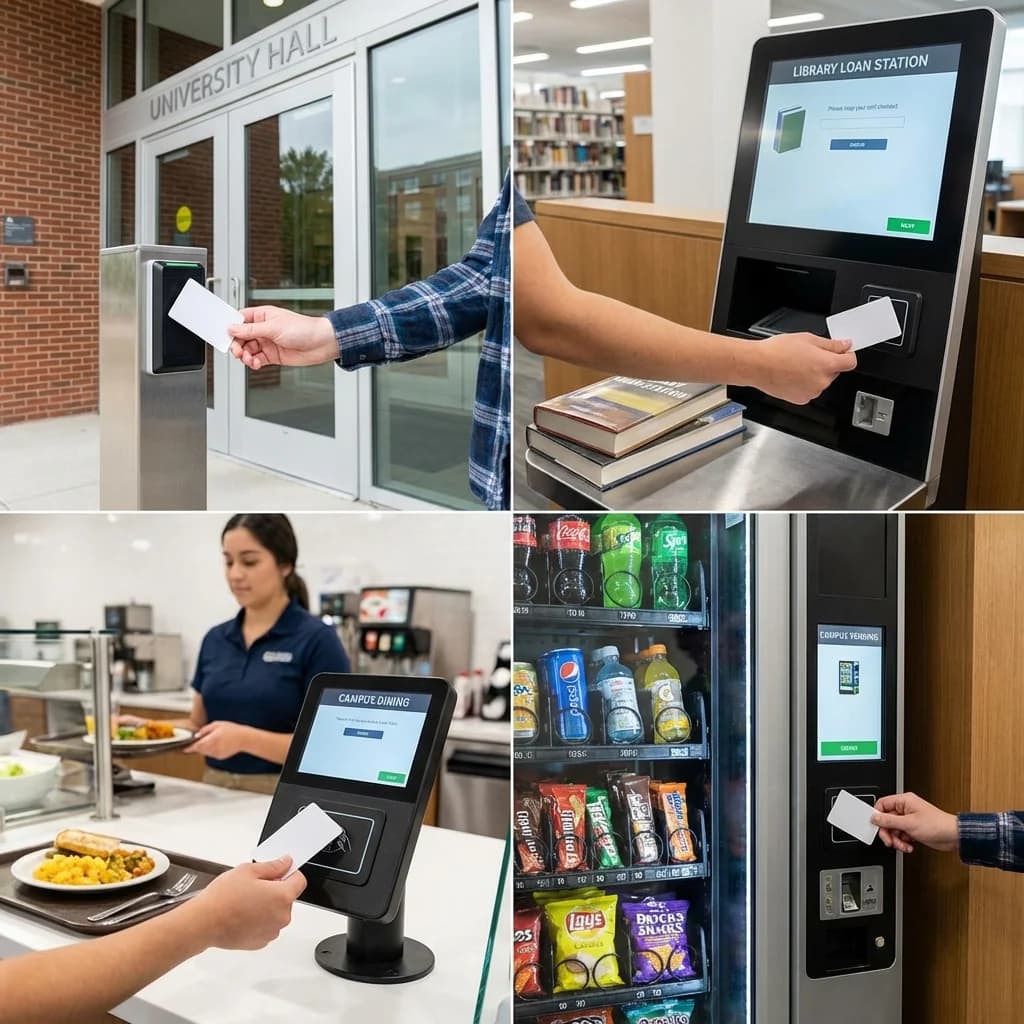
The modern campus card is the Swiss Army knife of university life. A single piece of plastic — carrying a contactless RFID chip, a printed photo, and often a magnetic stripe or barcode for legacy compatibility — serves as a student's ID, building key, payment method, library card, meal ticket, transit pass, event credential, and more. The breadth of what a campus card can do is precisely what makes it such a powerful tool for institutions: one card, one system, one investment that touches every aspect of campus operations.
This guide catalogs the major use cases for campus cards at universities and colleges, explaining how each works and what infrastructure it requires.
1. Building Access Control
The foundational use case. Students tap their card at readers to enter buildings — from the main library to individual dormitory floors. Modern implementations use MIFARE DESFire EV3 or HID SEOS chips with AES-128 encryption, ensuring that only authenticated credentials open doors.
**How it works:** The card communicates with a wall-mounted or door-integrated reader via NFC at 13.56 MHz. The reader sends the card's encrypted identifier to an access control panel, which checks it against a permissions database. If the cardholder has authorization for that door at that time, the electric lock releases. The entire process takes less than half a second.
**Granular permissions:** Access can be controlled by:
**Emergency integration:** Modern systems integrate with emergency management platforms, enabling campus-wide or building-specific lockdowns triggered from a central console or mobile app.
2. Dormitory/Residence Hall Access
A specialized form of building access with additional requirements. Students need 24/7 access to their assigned residence hall, their floor, and their room. Access to other residential buildings is typically restricted.
Many universities use wireless locks on individual room doors (SALTO, ASSA ABLOY Aperio, Allegion) that communicate with the campus access control system. These locks operate on battery power and communicate wirelessly, avoiding the need to run cables to every door — a significant advantage in older buildings.
**Guest access:** Some systems support temporary guest credentials that grant limited access (common areas only) for a defined time period. Residents can register guests through a portal, and the guest receives a temporary card or mobile credential.
3. Meal Plans and Dining
Campus cards manage the complex world of university dining — meal plans with per-semester meal swipes, declining balance accounts, flex dollars, guest meals, and retail dining credits.
Meal plan types:
**How it works:** The student taps their card at the dining hall POS terminal. The system checks the meal plan associated with that card — available swipes, account balance, or flex dollars — and completes the transaction. Real-time synchronization ensures that the balance shown at any terminal reflects the latest state.
4. Cashless Payments and Campus Commerce
Beyond dining, campus cards function as cashless payment instruments across the institution:
**Off-campus merchants:** Many campus card programs extend to nearby businesses through off-campus merchant programs. Restaurants, coffee shops, bookstores, and retailers near campus install compatible terminals and accept student card payments. This creates convenience for students and drives business for local merchants. Programs like Transact's Off-Campus Merchant Network and CBORD's GET facilitate these partnerships.
5. Library Services
The campus card serves as the library card, managing:
6. Parking and Transportation
7. Attendance Tracking
As covered in our RFID attendance tracking guide, campus cards can be used to record lecture attendance. Students tap their card at a reader when entering a classroom, and the system logs their attendance automatically. This data feeds into learning management systems and early warning systems that identify students at risk of falling behind.
8. Exam Identity Verification
During examinations, students present their campus card as photo identification. Invigilators compare the card photo to the student's face, and the card's name and ID number verify enrollment in the exam. This is one of the most important physical card functions — it cannot be replaced by a mobile credential since phones are typically prohibited in exam rooms.
9. Events and Access Control
Campus cards provide event access management for:
10. Recreation and Wellness
The One-Card Philosophy
The power of a campus card program lies in unification. Each use case listed above could be served by a separate credential — a door fob, a dining card, a library card, a parking tag, a gym membership. The one-card model replaces all of these with a single credential, creating benefits that extend beyond convenience:
Building Your Campus Card Program
The breadth of use cases means that a campus card program touches nearly every department. Success requires cross-functional coordination, clear governance, and a technology platform flexible enough to accommodate diverse requirements.
CampusRFID provides the physical foundation for campus card programs — high-quality contactless smart cards manufactured to your institution's specifications, compatible with all major campus card platforms and reader systems.
*Ready to explore what a campus card can do for your university? Contact us to discuss your institution's specific use cases and card requirements.*
Ready to Implement RFID on Your Campus?
Contact us to learn how our RFID solutions can improve campus security and student experience.
Related Articles
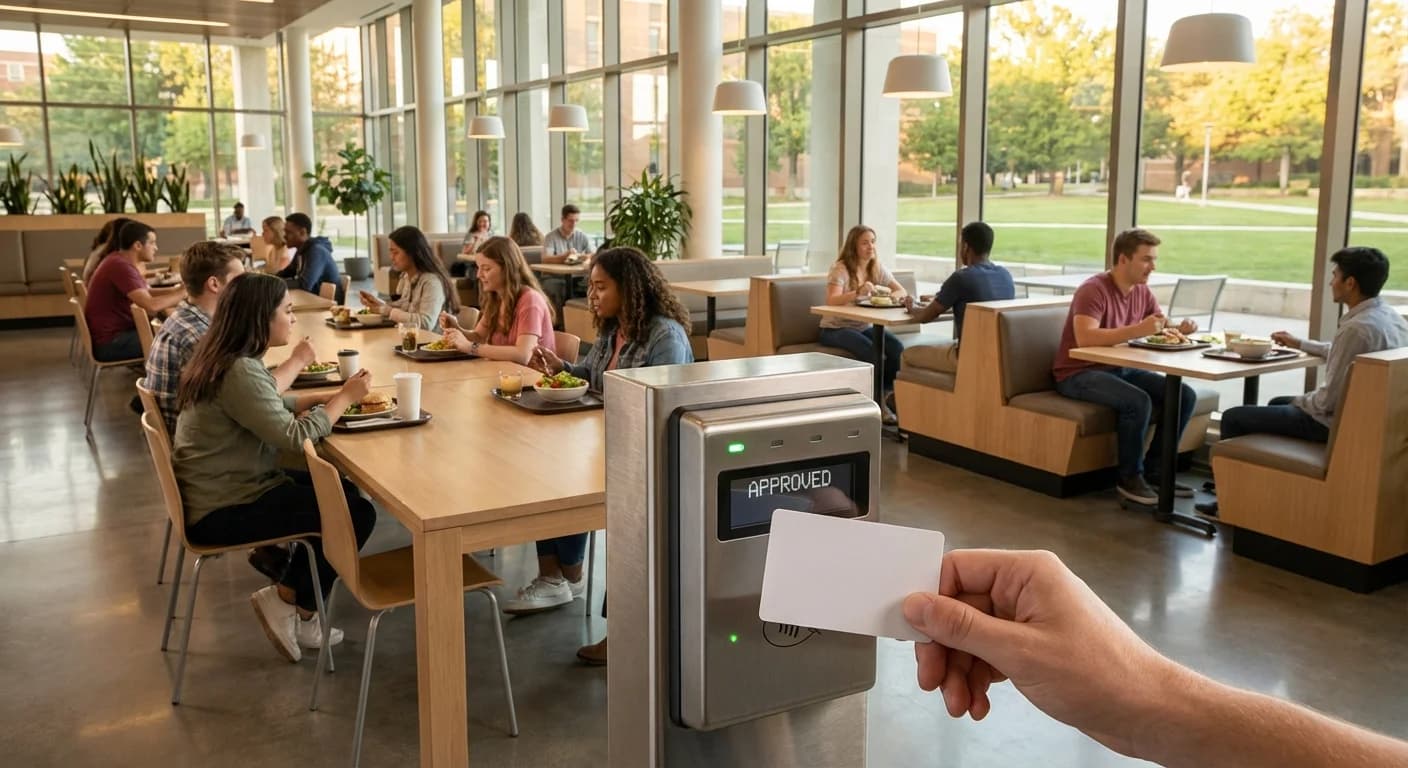
How RFID Campus Cards Are Transforming University Dining
Walk into any university dining hall during peak lunch hour and the scene is familiar: hundreds of students streaming through doors, tapping cards or phones at point-of-sale terminals, grabbing meals, and heading out — often in under 30 seconds. Behind that seamless experience is RFID technology,...
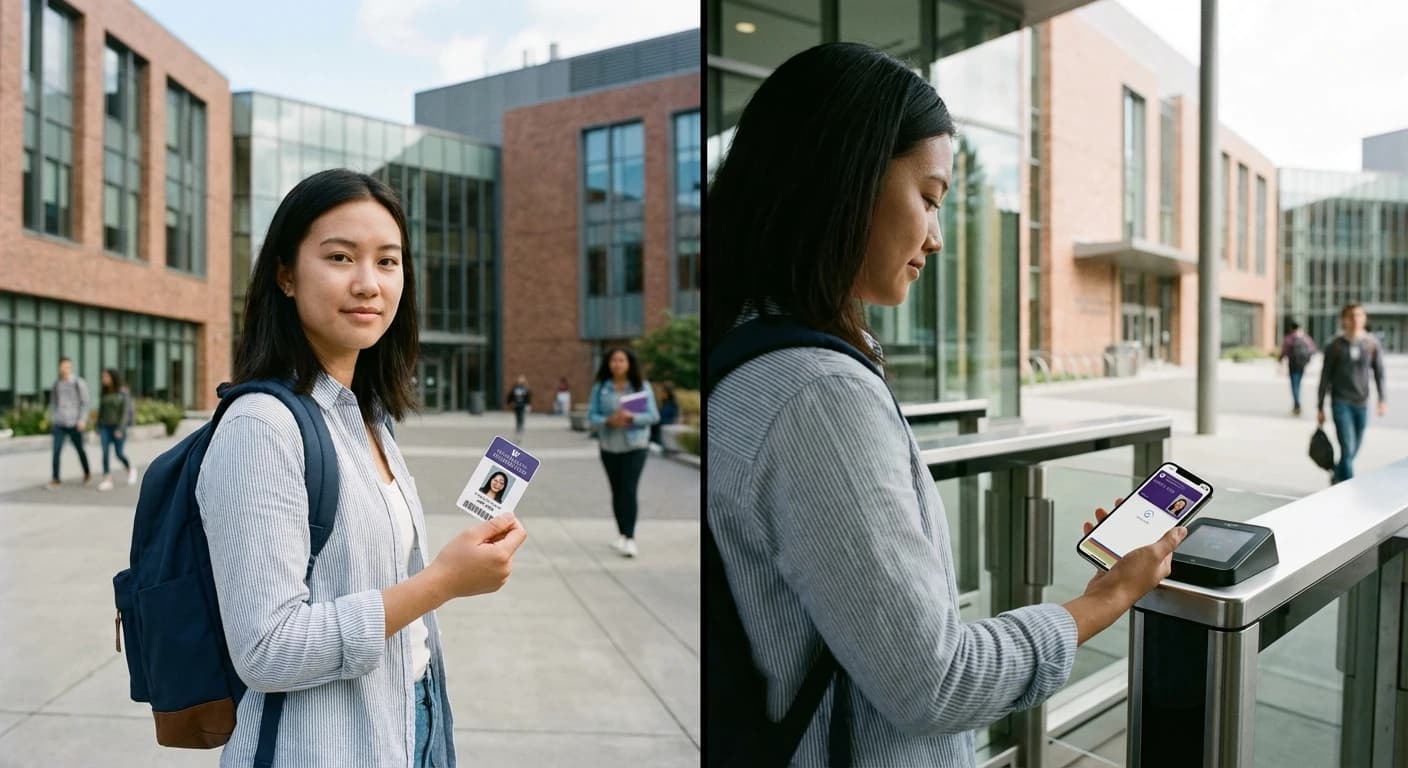
Mobile vs Physical RFID Cards: What 97% of Students Really Want from Campus Access
Campus access technology stands at a crossroads. With 97% of adults aged 18-29 now owning smartphones, the push toward mobile credentials feels inevitable. Yet the question facing university administrators isn't simply "mobile or physical" — it's understanding what actually works when 30,000...