Apple Wallet & Google Wallet Student IDs: Complete University Guide
Adding your student ID to Apple Wallet or Google Wallet transforms a smartphone into a campus credential — opening doors, paying for meals, and checking out library books. This guide covers the setup process, platform requirements, which universities support it, and the technical details administrators need to know.
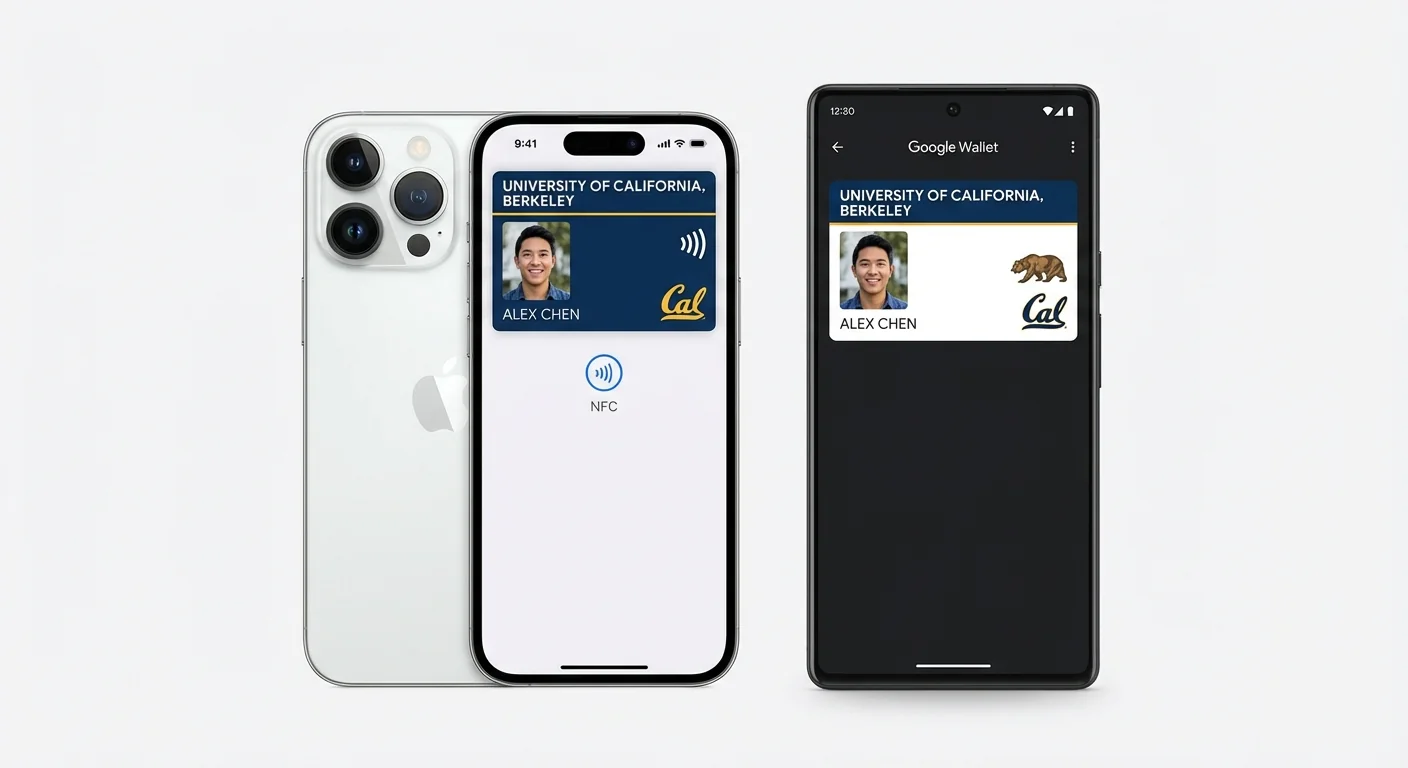
The idea is simple: your phone is already in your hand, so why carry a separate card? Apple Wallet and Google Wallet student IDs turn this logic into reality, allowing students to tap their iPhone, Apple Watch, Android phone, or Wear OS device at campus readers to enter buildings, pay for dining, access the library, ride campus transit, and more — all with the same gesture they use to pay at a coffee shop.
For students, it's convenience. For universities, it's a technology deployment with meaningful implications for infrastructure, security, support, and institutional strategy. This guide covers both sides.
How It Works: The Technical Architecture
Provisioning the Credential
When a university deploys mobile student IDs, the process begins on a campus card management platform — typically Transact IDX, Atrium, GET (by CBORD), or a similar system. The student authenticates through the institution's portal (usually integrated with the university's SSO/identity provider), and the platform generates a device-specific credential.
This credential is not a copy of the student's physical card number. It's a unique cryptographic token — a device-specific representation of the student's identity that is mathematically linked to but distinct from the physical card. This means that even if someone intercepted the mobile credential's data, it couldn't be used to clone the physical card, and vice versa.
Storage: The Secure Element
The credential is stored in the device's secure element — a tamper-resistant hardware chip dedicated to storing sensitive data. On iPhones, this is the Apple Secure Element (based on NXP hardware). On Android devices, it's either a hardware secure element or a Trusted Execution Environment (TEE), depending on the device manufacturer. The secure element is isolated from the device's main processor and operating system, meaning that even a fully compromised phone (jailbroken, rooted, or infected with malware) cannot access the credential data.
NFC Communication
When the student holds their device near a compatible reader, the credential is transmitted via Near Field Communication (NFC) at 13.56 MHz — the same frequency used by physical contactless smart cards. The communication is encrypted end-to-end, and the reader verifies the cryptographic signature before granting access.
Express Mode (Apple)
Apple's Express Mode is a critical feature for campus deployments. When enabled, the student ID works without requiring the student to unlock their phone, authenticate with Face ID or Touch ID, or even wake the screen. The student simply holds their iPhone or Apple Watch near the reader, and the transaction completes automatically.
Express Mode also works with Power Reserve — when the iPhone's battery is critically low or the device has shut down, the NFC chip continues to operate for up to 5 hours, powered by a small energy reserve. This means a student with a dead phone can still enter their dorm and pay for dinner. On Apple Watch, Express Mode works similarly and is available even when the watch is not in contact with the paired iPhone.
Google Wallet Implementation
Google Wallet student IDs work through the Google Wallet app on NFC-enabled Android devices. The student adds their campus ID through the wallet interface after authenticating with their institution. Transactions require the phone's screen to be on but do not necessarily require unlocking, depending on the device manufacturer's implementation.
Google's approach supports a broader range of device manufacturers (Samsung, Google Pixel, OnePlus, etc.), which increases the addressable student population. However, the variety of Android hardware means that NFC performance can vary between device models — a consideration for reader placement and support documentation.
Which Universities Support Mobile Student IDs?
The list of institutions offering Apple Wallet and/or Google Wallet student IDs continues to grow. Notable deployments include:
Many of these deployments are powered by Transact's IDX platform, which handles the provisioning, credential management, and reader communication layers.
Platform Requirements for Universities
Reader Infrastructure
Mobile student IDs communicate via NFC, the same technology used by physical contactless cards. In most cases, existing ISO 14443A-compatible readers can support both physical DESFire/SEOS cards and mobile credentials from Apple and Google Wallet. However, some older readers may require firmware updates or replacement to support the specific NFC protocols used by mobile wallets.
Readers must support Value Added Services (VAS) for Apple Wallet and Smart Tap for Google Wallet. These are extensions to the standard NFC protocol that enable the reader to identify the type of credential being presented and route it appropriately.
Campus Card Platform
The campus card management platform must support mobile credential provisioning, lifecycle management (activation, deactivation, re-provisioning), and real-time synchronization between physical and mobile credentials. Transact IDX, Atrium, and GET by CBORD all support Apple Wallet and Google Wallet integration at various levels.
Network Requirements
Mobile credential transactions are processed in near-real-time but require the reader to communicate with the backend platform for validation. This means reliable network connectivity to every reader location is essential. Most modern deployments use PoE (Power over Ethernet) readers, which solve both the network and power requirements through a single cable.
Limitations and Considerations
Device Compatibility
Apple Wallet student IDs require iPhone 8 or later (or Apple Watch Series 3 or later). Google Wallet support requires an NFC-enabled Android device running Android 5.0 or later with the Google Wallet app. While this covers the vast majority of current smartphones, a small percentage of students will have incompatible devices.
International Students
Students arriving from other countries may have phones purchased in regions with different NFC configurations or without Google Wallet/Apple Wallet support. Physical cards remain essential as the universal fallback.
Phone-Free Zones
Examinations, certain laboratory environments, clinical rotations in medical schools, and some performance spaces prohibit smartphones. Students need physical photo ID in these settings.
Privacy Considerations
Mobile credentials generate additional data compared to physical cards. The campus card platform knows which device was used, potentially including device location data. Universities must address these privacy implications in their student data policies, particularly under GDPR for European institutions.
Deployment Best Practices
CampusRFID manufactures the physical campus cards that work alongside mobile credential programs. Our DESFire EV3 and SEOS cards share the same reader infrastructure as Apple Wallet and Google Wallet deployments, ensuring seamless coexistence between physical and digital credentials.
*Deploying mobile student IDs alongside physical campus cards? Contact us to ensure your card specifications align with your mobile credential platform.*
Ready to Implement RFID on Your Campus?
Contact us to learn how our RFID solutions can improve campus security and student experience.
Related Articles
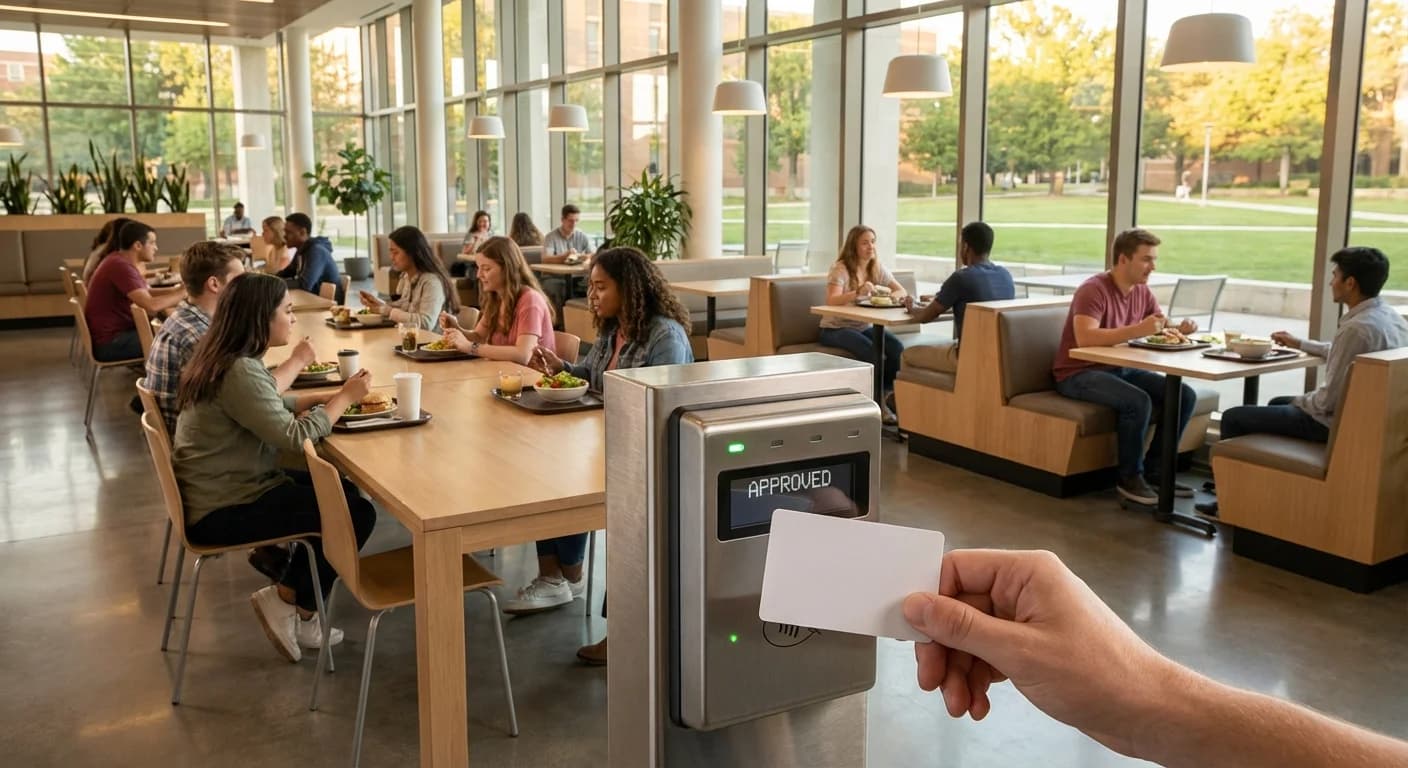
How RFID Campus Cards Are Transforming University Dining
Walk into any university dining hall during peak lunch hour and the scene is familiar: hundreds of students streaming through doors, tapping cards or phones at point-of-sale terminals, grabbing meals, and heading out — often in under 30 seconds. Behind that seamless experience is RFID technology,...
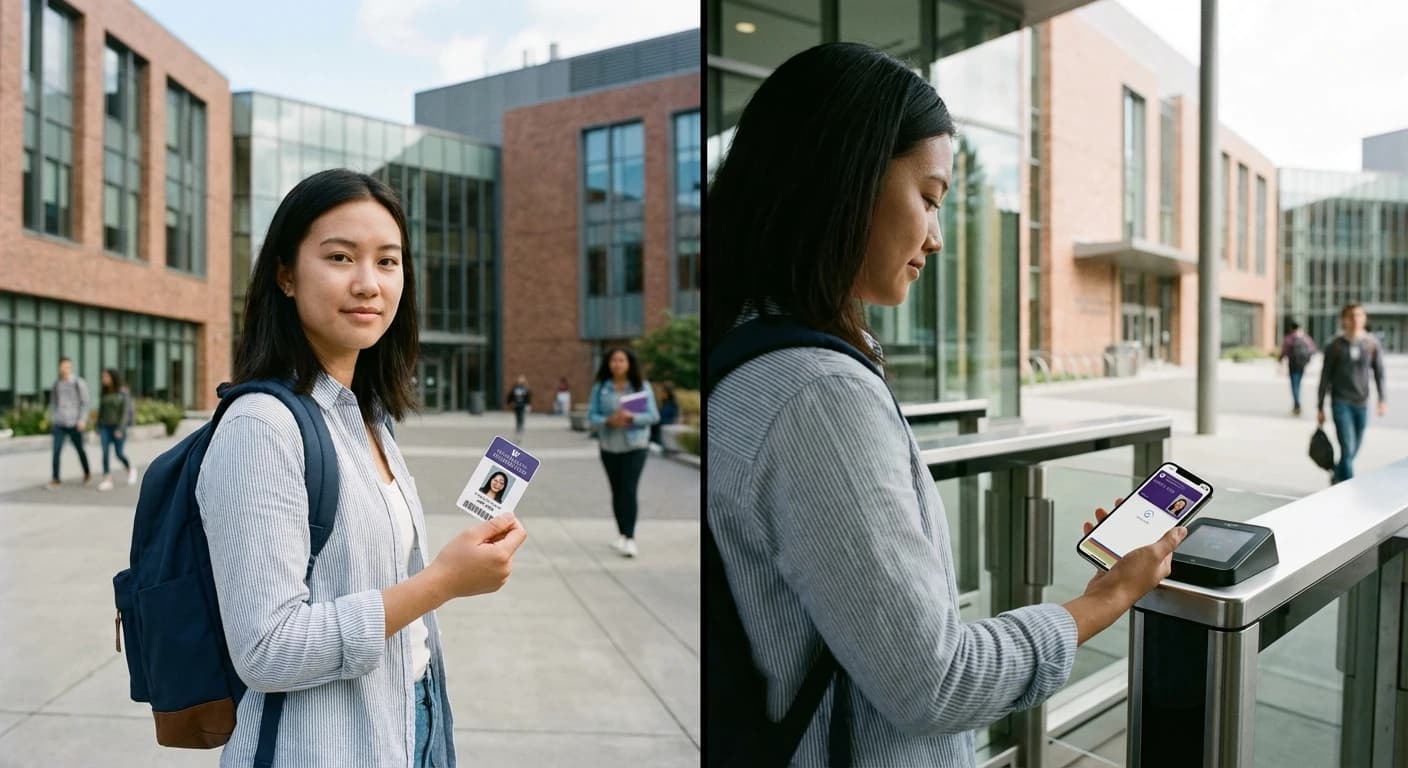
Mobile vs Physical RFID Cards: What 97% of Students Really Want from Campus Access
Campus access technology stands at a crossroads. With 97% of adults aged 18-29 now owning smartphones, the push toward mobile credentials feels inevitable. Yet the question facing university administrators isn't simply "mobile or physical" — it's understanding what actually works when 30,000...